Docker一键部署Immich_自建私有云相册_照片视频备份无忧
Docker一键部署Immich:自建私有云相册,照片视频备份无忧
开源地址:immich-app/immich: High performance self-hosted photo and video management solution.
1.下载部署文件
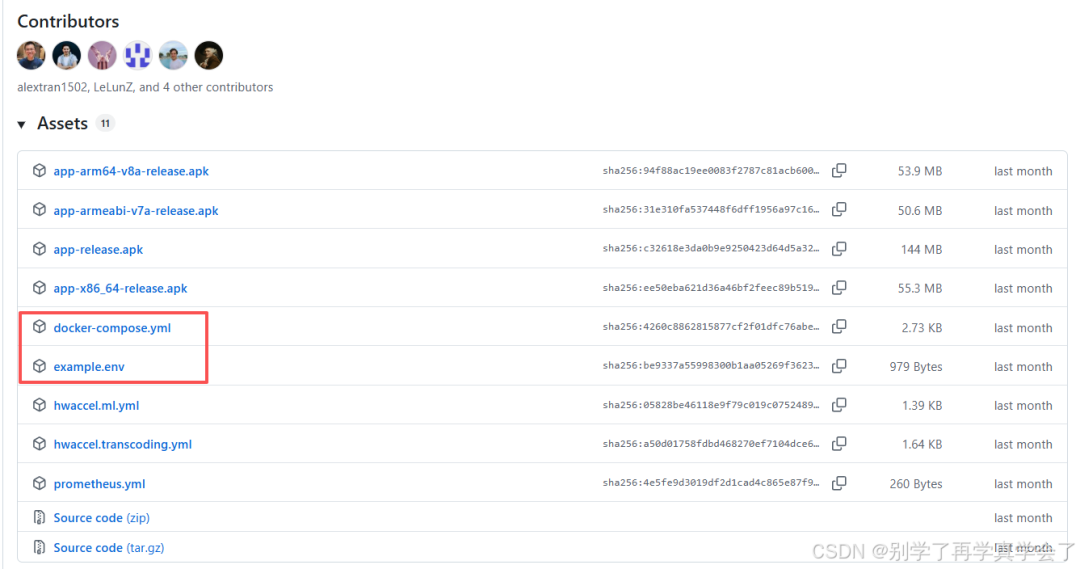
前往分支Release v2.4.1 · immich-app/immich下载 .env 和 docker-compose.yml 文件
2.修改配置文件
将下载的文件上传到服务器,并将 example.env 重命名成 .env , 然后修改参数
# You can find documentation for all the supported env variables at https://docs.immich.app/install/environment-variables
# The location where your uploaded files are stored
UPLOAD_LOCATION=./library
# The location where your database files are stored. Network shares are not supported for the database
DB_DATA_LOCATION=./postgres
# To set a timezone, uncomment the next line and change Etc/UTC to a TZ identifier from this list: https://en.wikipedia.org/wiki/List_of_tz_database_time_zones#List
TZ=Asia/Shanghai  #将时区改成上海
# The Immich version to use. You can pin this to a specific version like "v2.1.0"
IMMICH_VERSION=v2
# Connection secret for postgres. You should change it to a random password
# Please use only the characters `A-Za-z0-9`, without special characters or spaces
DB_PASSWORD=postgres
# The values below this line do not need to be changed
###################################################################################
DB_USERNAME=postgres
DB_DATABASE_NAME=immich
3.运行docker容器
docker compose up -d
CONTAINER ID   IMAGE                                                            COMMAND                  CREATED        STATUS                  PORTS                                         NAMES
9270c9a4484b   ghcr.io/immich-app/immich-server:v2                              "tini -- /bin/bash -…"   24 hours ago   Up 24 hours (healthy)   0.0.0.0:2283->2283/tcp, [::]:2283->2283/tcp   immich_server
c00b25a11b5c   ghcr.io/immich-app/postgres:14-vectorchord0.4.3-pgvectors0.2.0   "/usr/local/bin/immi…"   24 hours ago   Up 24 hours (healthy)   5432/tcp                                      immich_postgres
1b4d31449404   ghcr.io/immich-app/immich-machine-learning:v2                    "tini -- python -m i…"   24 hours ago   Up 24 hours (healthy)                                                 immich_machine_learning
33d4dded710d   valkey/valkey:9                                                  "docker-entrypoint.s…"   24 hours ago   Up 24 hours (healthy)   6379/tcp                                      immich_redis
4.浏览器打开
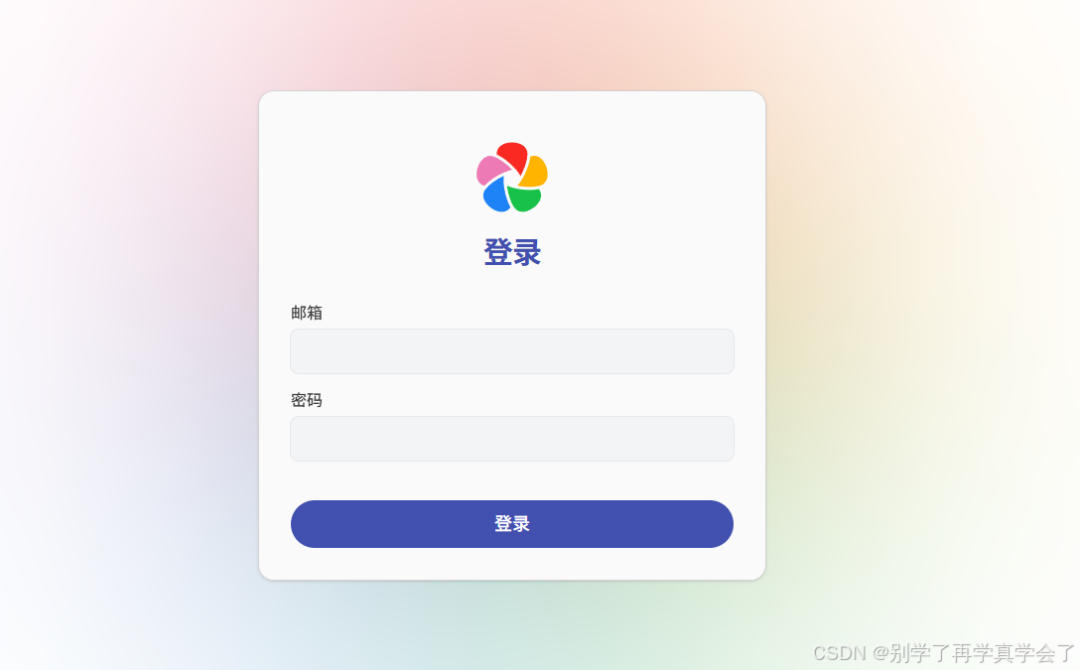
在浏览器打开: IP:2283 就可以创建用户进入 Immich 了。
5.数据备份
为防止数据丢失,建议定期备份数据库和存储文件夹(即 .env 文件中定义的文件存储路径中的 library 和 postgres 文件夹)

备份脚本参考
#!/bin/bash
# ========================
# Immich 备份脚本
# ========================
BACKUP_DIR="/data/immich-backup"
mkdir -p "(date +%Y%m%d_%H%M%S)
# 1. 停止 Immich 服务
echo "[(date)] 备份 library..."
tar -czf "(date)] 备份 postgres..."
tar -czf "(date)] 启动 Immich 服务..."
docker compose -f /immich/docker-compose.yml up -d
# 5. 删除所有旧备份(只保留最新一份)
echo "[BACKUP_DIR"/library_*.tar.gz
rm -f "BACKUP_DIR/.library.tmp.tar.gz" "DATE.tar.gz"
mv "BACKUP_DIR/postgres_(date)] 备份完成!"